A system monitor for Apple Silicon.In the terminal.
Clusters and their clocks, GPU, watts, heat, fans, memory and processes. No sudo.
curl -fsSL https://plottypus.com/install.sh | sh- 1.0.0
- 2.2 MB
- no sudo
- free
What it shows
plottypus on an M5 Pro during cargo build --release: CPU, GPU, memory, heat, network and power panels on the left, the process list filtered to rustc on the right.
01 the whole Mac
One terminal. CPU, GPU, power, heat, memory and processes, no sudo.
02 cpu
Super and Performance clusters, each with its own clock.
Expand the panel for every core.
03 power
System, CPU and battery. CPU watts live on the M5 Pro.
Live from the SMC rails on the M5 Pro. Other chips hold the last IOReport value, then show —.
04 processes
Memory footprint and per-core CPU %. A dash when the kernel says no.
Type / and a name to filter.
- CPU
- 20W
- System
- 67W
- Hottest
- 95°C
- Fans
- 1899·2047rpm
- —
- the kernel withheld it
- ≈
- last published value, and its age. Dropped after 10 s.
M5 Pro, macOS 27 (Golden Gate). Recorded, 500 ms per frame.
What else
And the rest of the Mac.
The process list, sorted by CPU: ollama-runner at 129.5% of one core, 9.3 GB.
Processes
Footprint, per-core %, a tree, and pid-safe signals.
Heat
Zone temperatures and fan rpm. Fanless Airs show no fans.
Memory
What fills it, and how much went to swap.
The network panel for en0: 47 KB/s down drawn above the axis, 19 KB/s up below it.
Network and disk
Mirrored graphs: in above the axis, out below.
Keys you know
htop and btop key profiles. The mouse works too.
$ plottypus --diagnose
Busy: rustc plottypus using 4.8 cores
$ plottypus doctor | grep chip
chip  Apple M5 Pro
Scripting
--json, --diagnose and doctor, for scripts and bug reports.
Themes
Looks like your terminal.
Reads your palette over OSC 10, 11 and 4. Glass for translucent Ghostty, kitty and Alacritty.
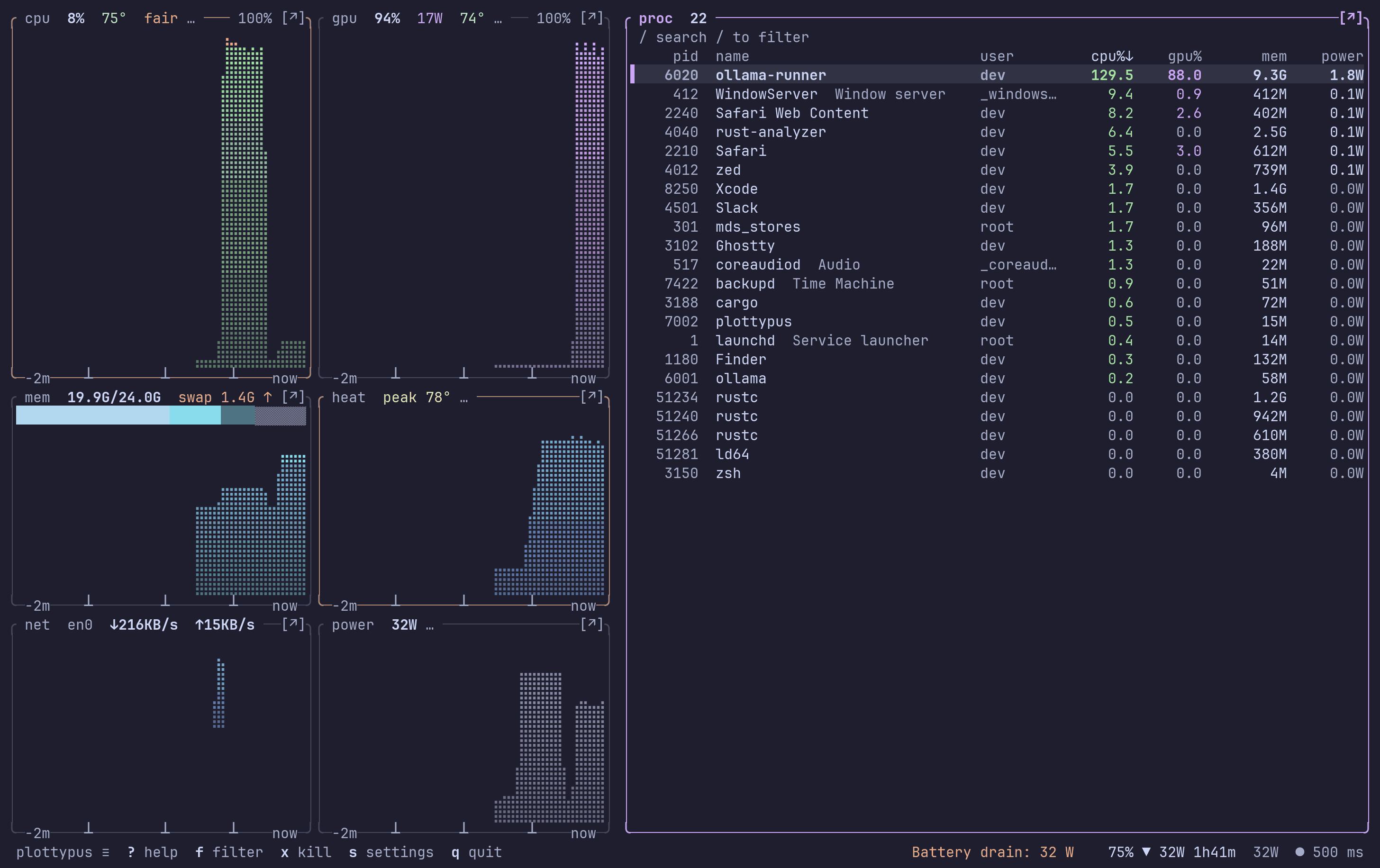
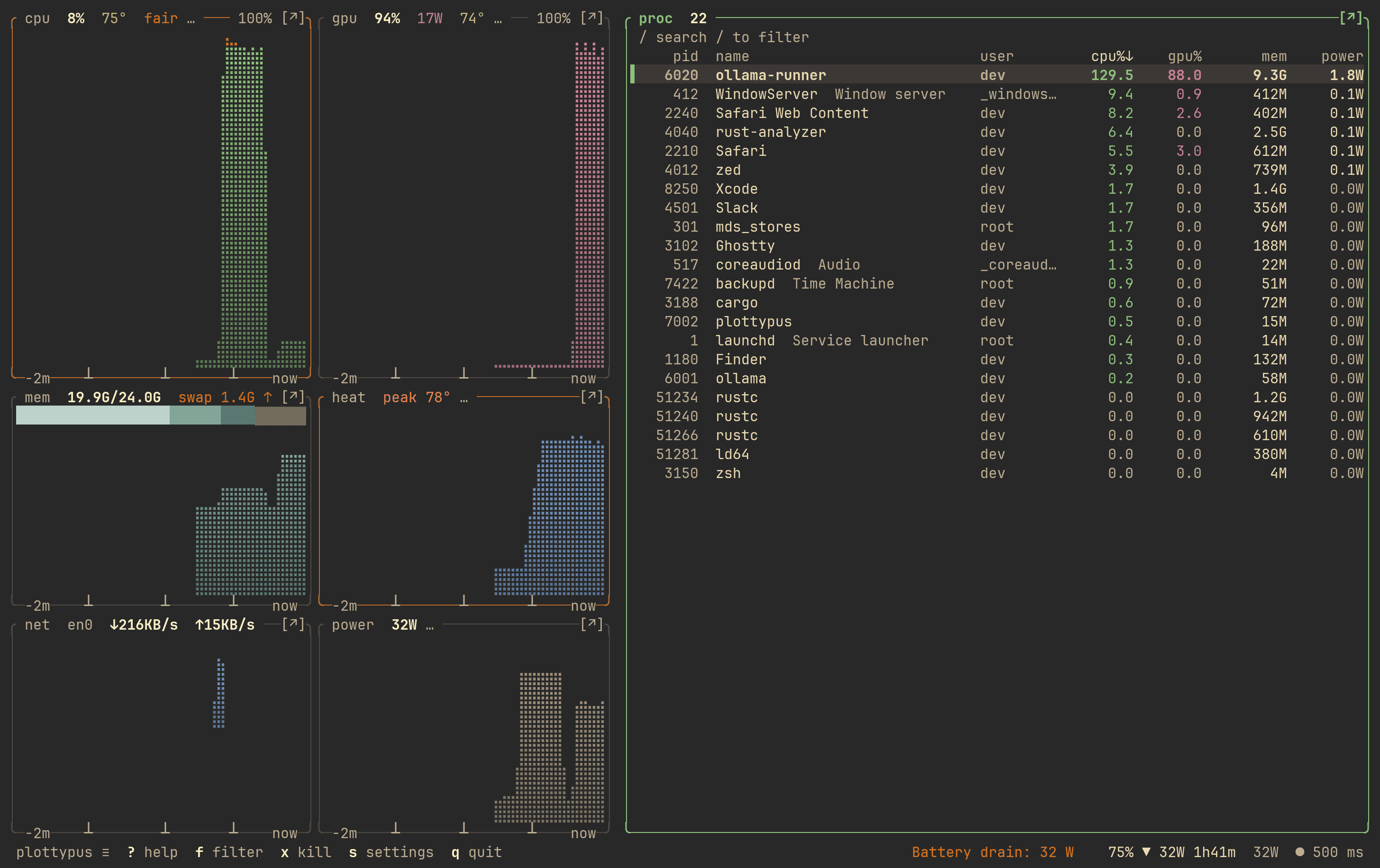
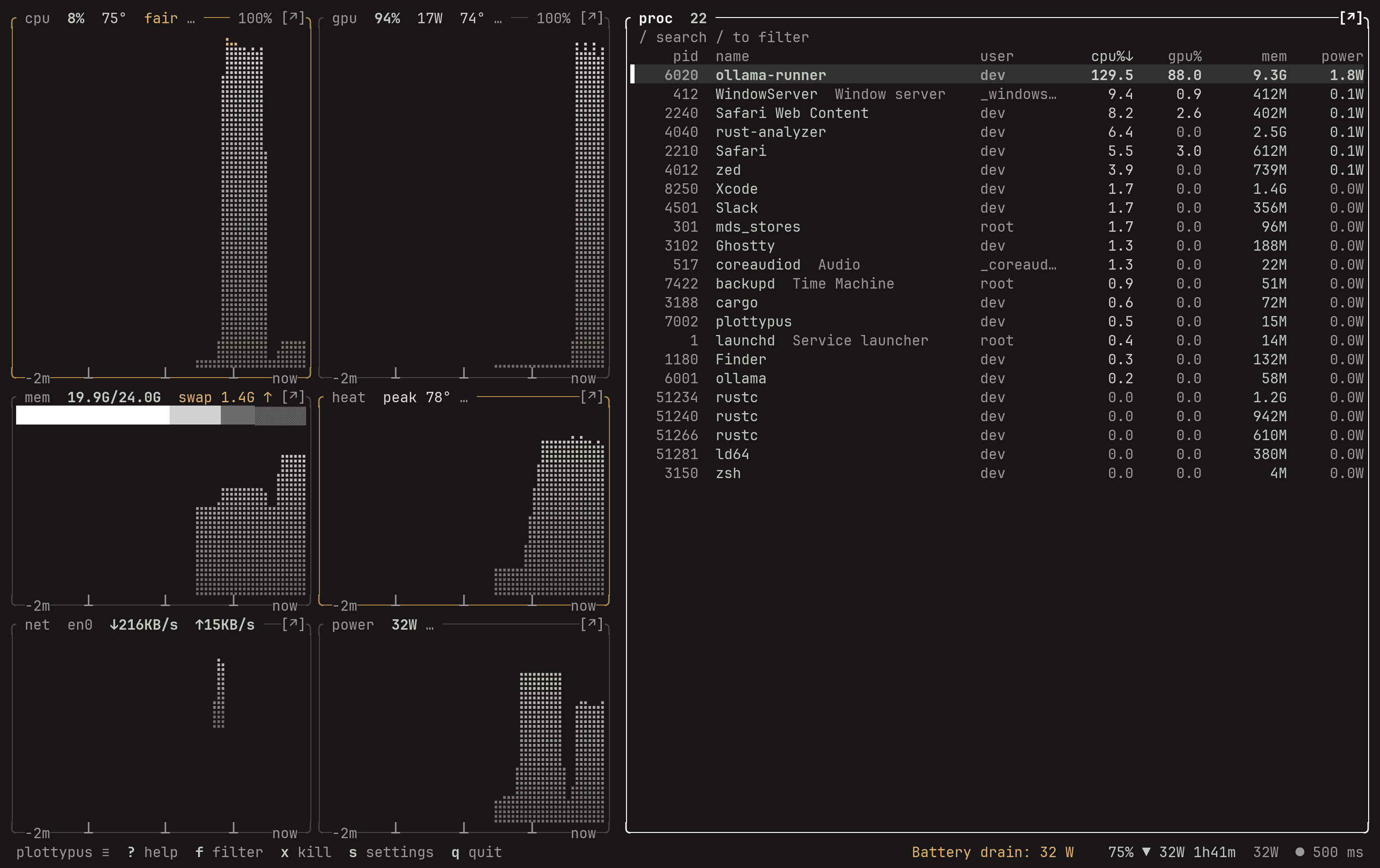
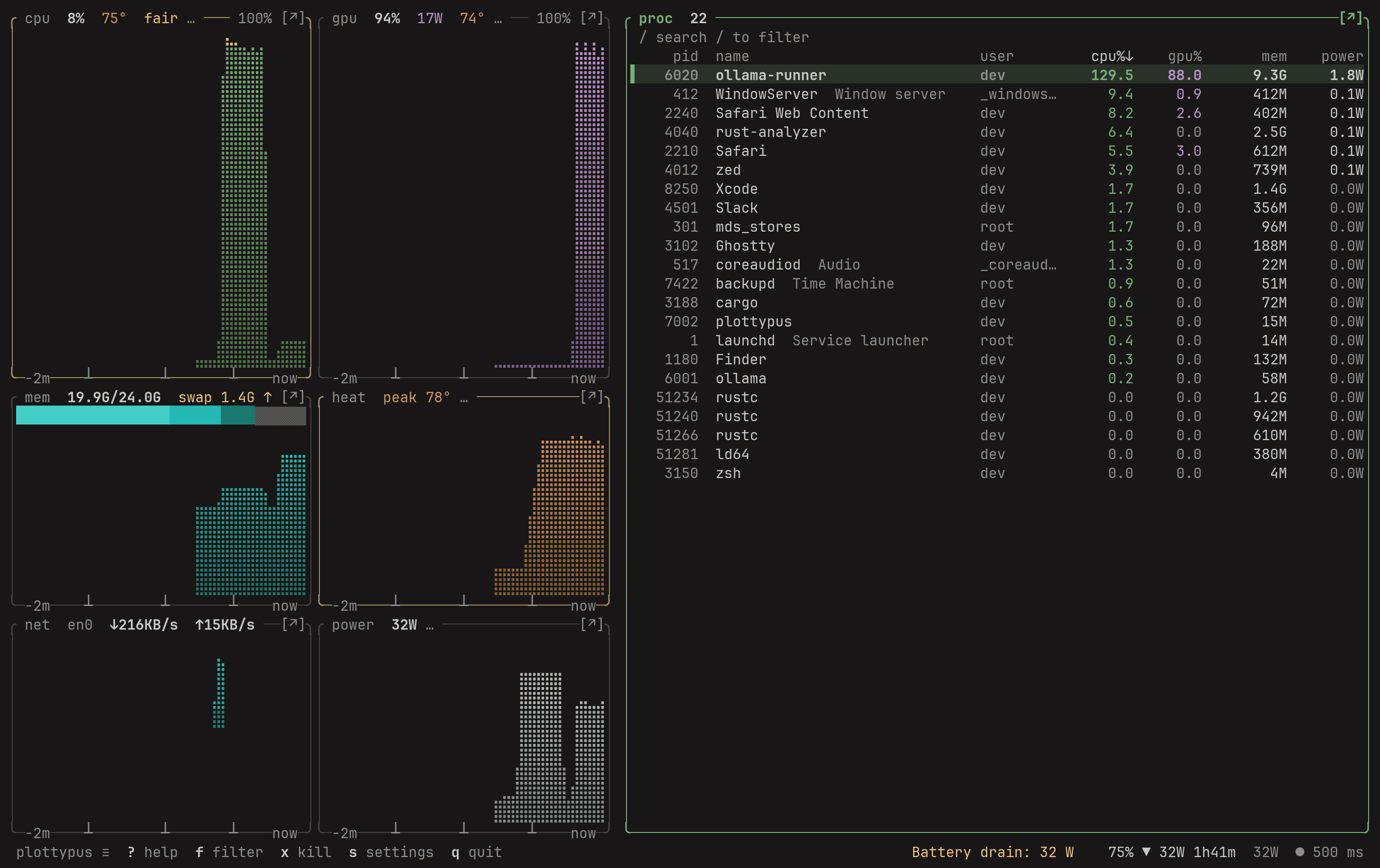
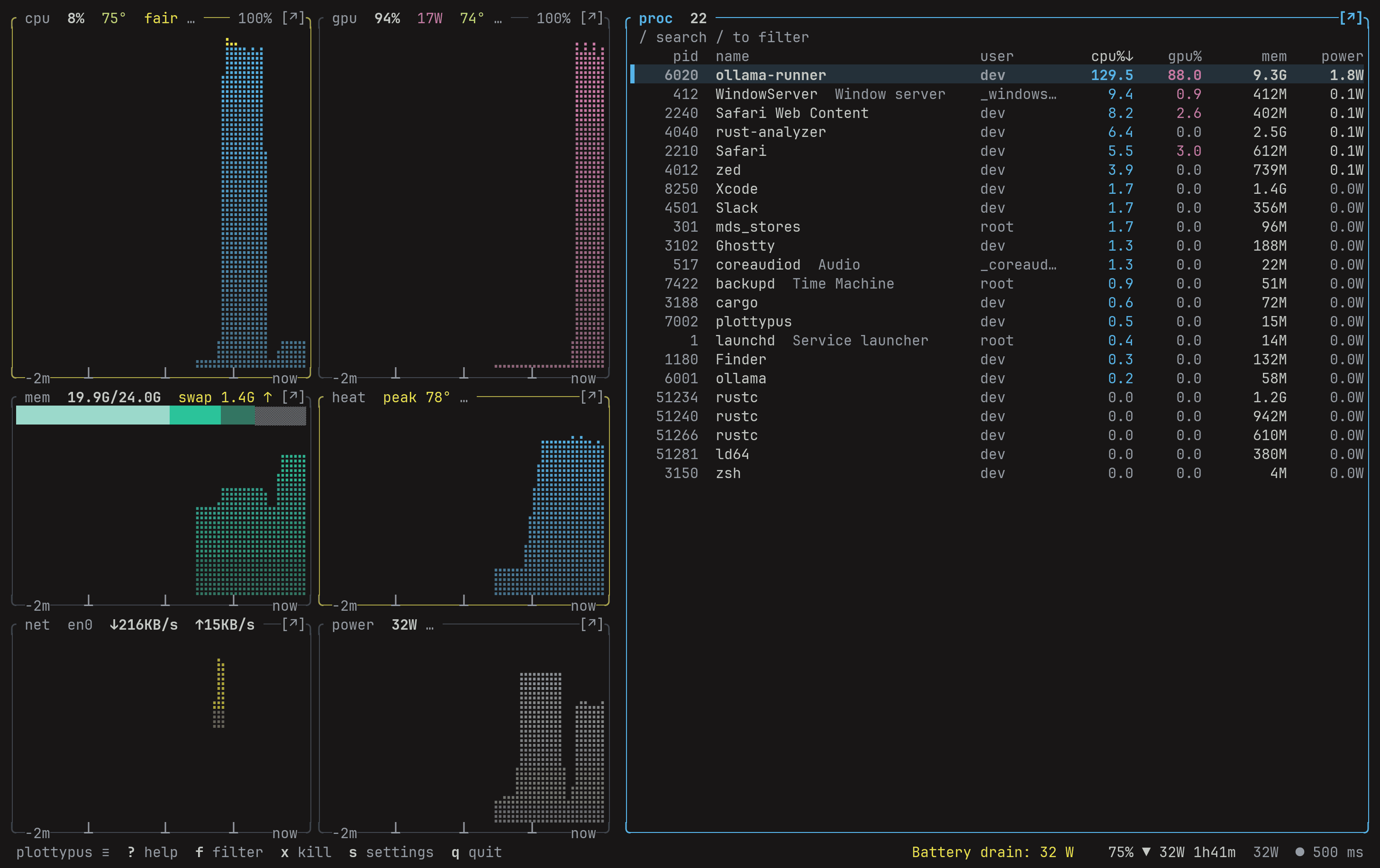
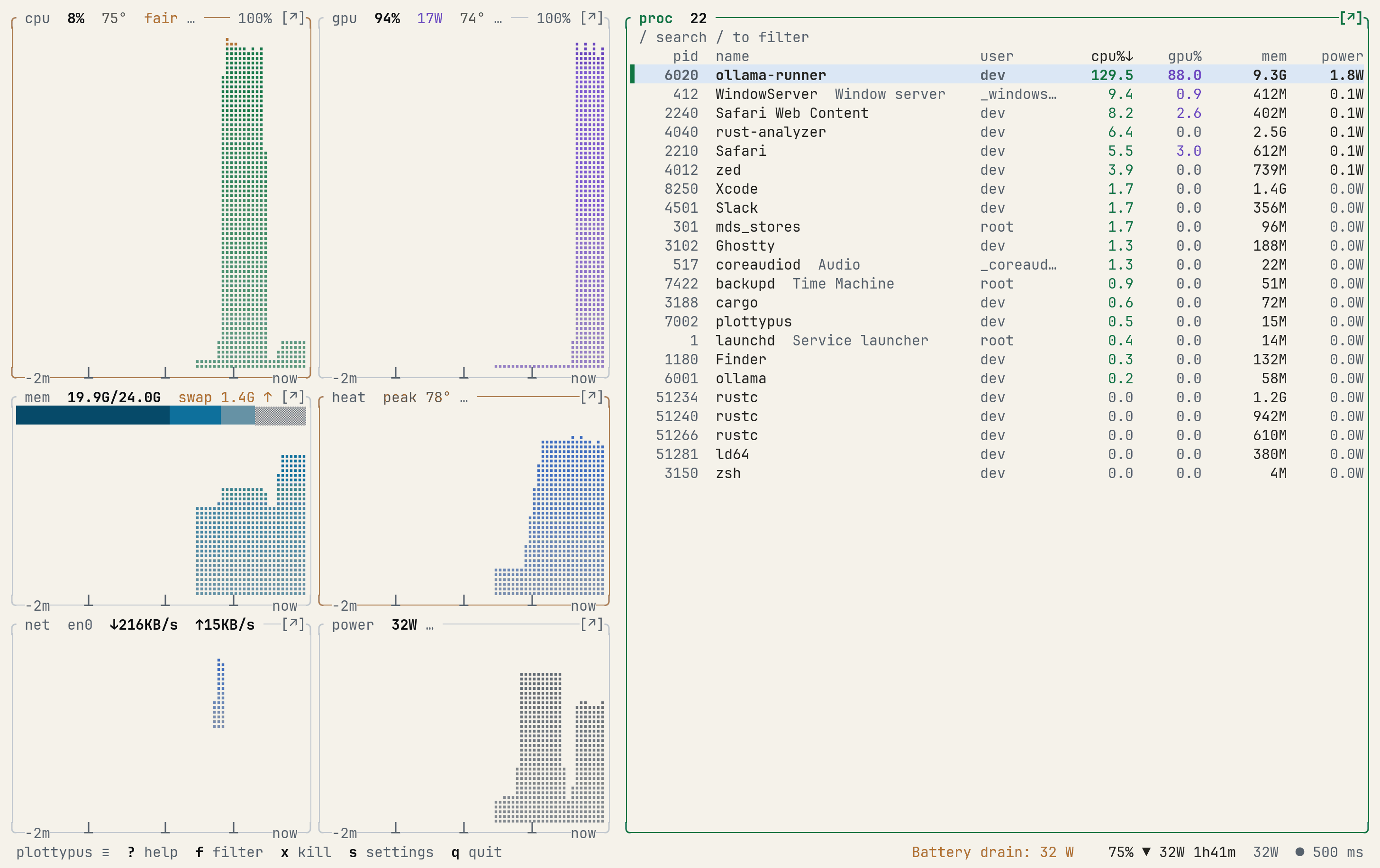
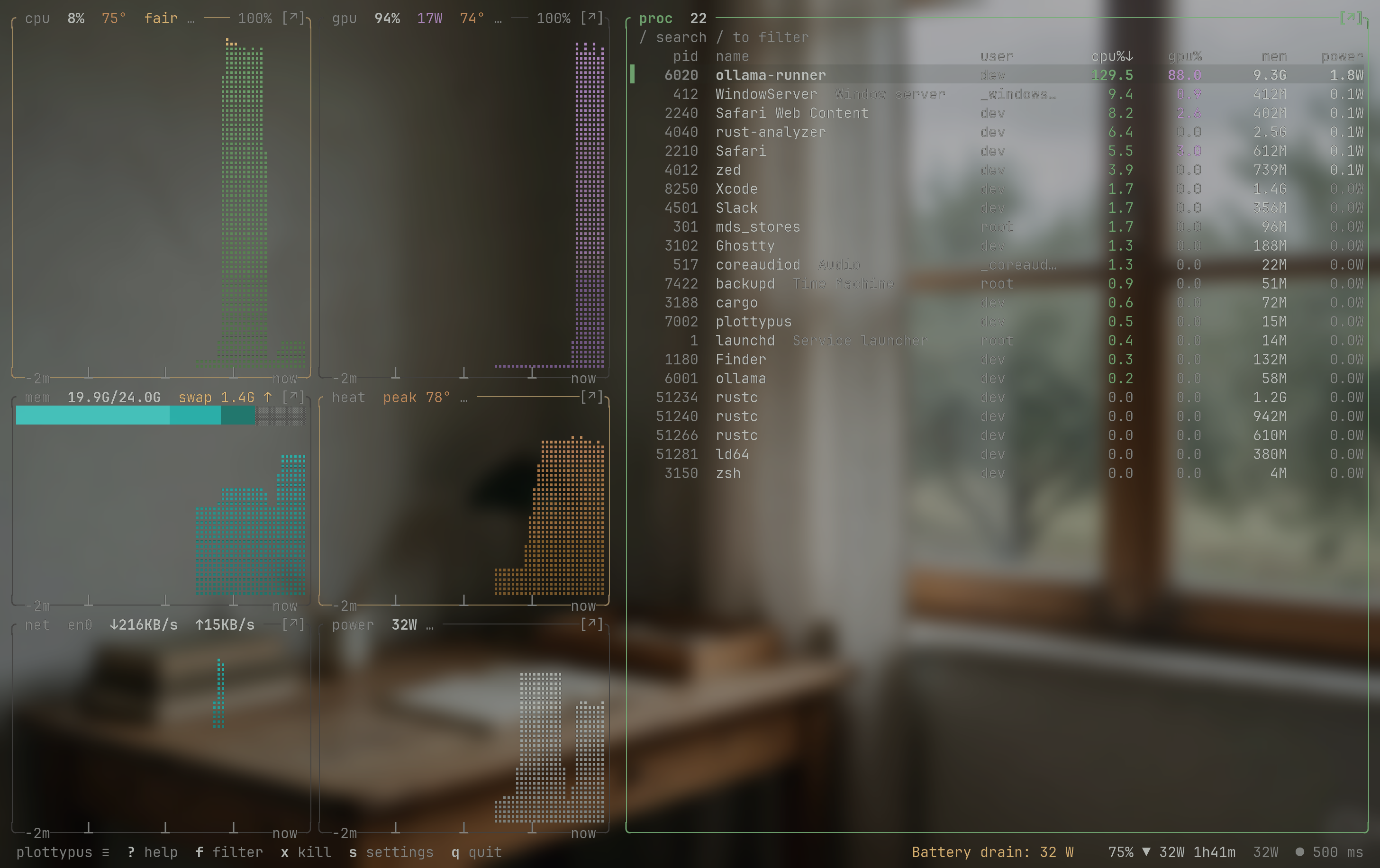
Matches the scheme of the same name.Matches the scheme of the same name.One grey ink. Only alarms carry colour.Built from the terminal's own palette. Here, Kanagawa Dragon.Okabe–Ito hues, readable with red–green colour blindness.For light terminals.Ghostty at 75% opacity. No cell backgrounds, so the wallpaper shows through.10 built in. T cycles them.
cost of watching
Cheap to leave open.
- cpu1.5%of one core at the default 500 ms
- redraws0/swhile nothing changes on screen
- energy<0.01Wits own draw, on an idle Mac
- binary2.2MBone file, nothing else installed
Median of 3 runs at 160×45, M5 Pro (Mac17,8), macOS 27.0, on AC power, no sudo. Method and raw data
Free now. Pro later.
Free. Every live reading stays free. What Pro will add
One line. No sudo.
curl -fsSL https://plottypus.com/install.sh | shplottypus